Process map
We clarify where recurring work arises, which teams are affected and which processes are suitable for closer examination.
- relevant areas
- recurring tasks
- manual handovers
- typical examples
- first use case candidates
Many companies have enough AI ideas. The difficult part is choosing: Which use case is worth it? What data is needed? What can be implemented internally? And where is professional help needed?
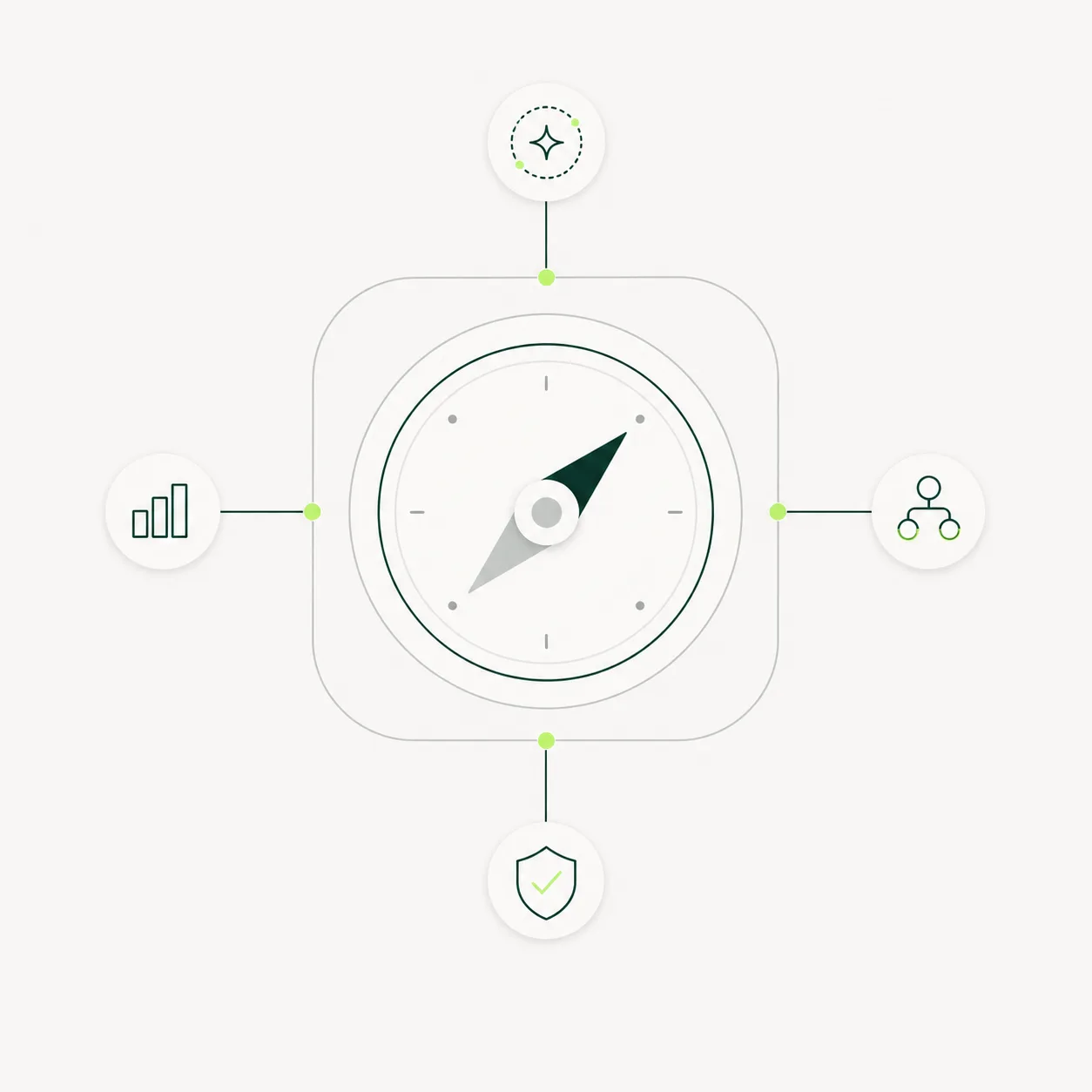
The AI Compass creates a reliable basis for decisions. We examine specific processes, evaluate practical AI levers, and assess each use case by benefit, feasibility, data situation, and risk.
After the AI Compass, you do not just know what AI could do. You know which process should be checked, built, or deliberately set aside first.
Many companies already have enough AI ideas: automate support, maintain CRM data, prepare offers, check documents, make internal knowledge usable.
The real decision is which of these is mature enough, important enough, and controllable enough to start. This is where a good potential analysis separates useful AI use cases from nice ideas.
That's exactly what the AI Compass is for.
The result is not a list of ideas. It is a basis for decisions.
We clarify where recurring work arises, which teams are affected and which processes are suitable for closer examination.
We evaluate which use cases have enough operational value to deserve more than a neat AI demo.
We check which data, systems, rights, and control points are necessary for an idea to become a resilient AI process.
We distinguish what your team can handle internally from the parts that need professional architecture, integration, or implementation.
At the end, you do not get a loose collection of ideas. You get a clear recommendation for the next step.
High benefit with little effort. Can be implemented quickly, with a partner or often even internally.
High benefit, but higher effort. Worth considering as a larger project with an implementation partner.
Limited benefit, low effort. Good for building experience with digital employees internally.
Limited benefit with high effort. Set aside deliberately instead of tying up budget.
The result can be used directly by management, departments, and IT. It shows which AI use case makes sense first and what needs to be clarified.
A digital employee is an AI system that carries out or prepares operational work steps. It works with a clear task, relevant context, defined system access, and control boundaries. In the AI Compass, we check whether such an employee makes sense for your process.
you only need general AI training, or you cannot yet provide access to processes, examples, and internal stakeholders.
Recurring requests, ticket triage, response preparation, knowledge gaps, escalations.
Example: A digital employee reads new tickets, recognizes topic and urgency, suggests answers, and flags cases that need human expertise.
Lead research, account preparation, CRM maintenance, follow-ups, offer preparation.
Example: A digital employee prepares accounts before a first meeting, researches relevant information, and creates meeting notes for sales.
Document review, email triage, data comparison, internal coordination, recurring approvals.
Example: A digital employee checks incoming documents against defined criteria and only prepares the cases where a decision is necessary.
thirdmind builds digital employees for companies: with process understanding, AI architecture, controlled tool use, human-in-the-loop, and monitoring.
That is why we do not evaluate use cases only by asking whether AI can theoretically do something. We check whether the process can be built, controlled, and later expanded in day-to-day operations.
For IMV, several automation fields were assessed, including documents, knowledge access, communication, and administrative standard processes.
At Innotec, existing AI experiments, process ideas, and operational bottlenecks were translated into a prioritized implementation logic.
For LCI, sales and meeting processes were structured around a possible AI coworker, with a focus on research, outreach, offer work, and follow-up.
The AI Compass is designed to stand on its own. You can then implement with thirdmind, continue internally, involve your existing IT team, or work with another implementation partner.
Our aim is to leave you with a basis you can use without us. You know which use case makes sense, which data and systems are relevant, what scope is realistic, and where the risks are.
Some results lead to a pilot. Some lead to internal implementation. Some lead to a deliberate no. That is part of the value.
We deliberately do not publish a flat rate. Before a potential analysis, we check the scope, data situation, and internal stakeholders. We then propose a sensible framework.
We will discuss the specific framework after the fit check. The AI Compass should be large enough to make reliable decisions and small enough not to become a major project itself.
An AI potential analysis checks which processes are suitable for AI, which data and systems are affected, which risks arise, and which use case makes sense first. The AI Compass turns that into a concrete decision basis.
No. The AI Compass evaluates use cases, clarifies a sensible scope, and shows whether implementation is worthwhile. The build happens later, either in a separate sprint or internally.
No. The AI Compass is structured so you can use the result independently: internally, with your existing IT, with another implementation partner, or with thirdmind.
We usually need a kickoff, one or two process discussions, relevant example materials, and a results call. The exact effort depends on how many areas the AI Compass covers.
No. The data situation is part of the analysis. The AI Compass often shows which data is already usable, what is missing, and which use case is clean enough to start.
Not quite. A workshop often provides orientation. The AI Compass is more focused on assessment: use case, scope, benefit, risk, data situation, build-or-buy, and next step.
The AI Compass is best suited for medium-sized companies and B2B teams with operational processes in which repetition, manual checking or information searches take up a lot of time.
If the use case is clear enough after the AI Compass, yes. The result can also be that you should first clarify data, rights, or process responsibility internally.
In 20 minutes, we clarify whether the AI Compass makes sense for your company. If it does, we discuss the framework, process, and start. If it does not, we say so openly.
A clear assessment of which AI use case makes sense first, with a basis you can keep using later.